 | |
Windows XP Remote Support
1. First, click the following button to download the application:

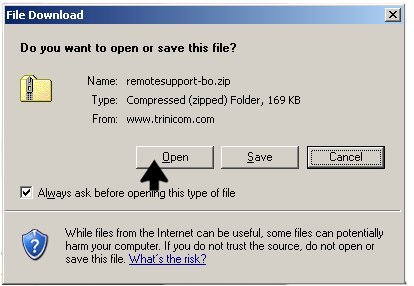
2. When prompted to open or save the file select 'Open'.
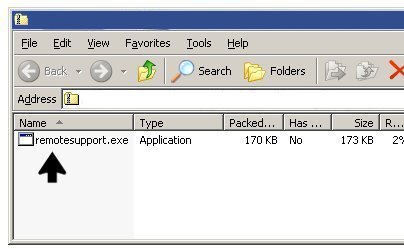
3. When the zip file opens, double-click 'Trinicom Remote Support.exe'.
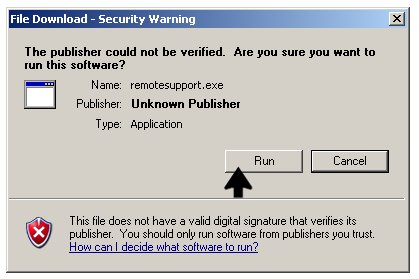
4. If prompted, click 'Run' at the security warning.
5. Double-click on the technician's name when the program starts.
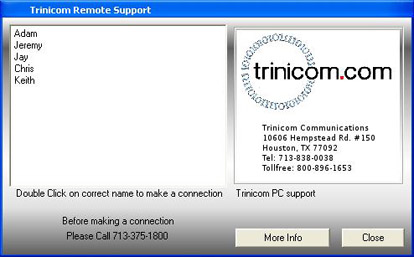
Your should now be connected to your technician.
|

|
 |
|
| |